Designed and Built by a 16 Y/O From Canada
A pocketecosystemyou can build on.
An open-source hybrid handheld for developers, tinkerers and digital minimalists. Swap modules in seconds, code in C, publish on the app store. No feeds. No walled garden.
A little machine
with a big imagination.
Games, music, notes, tools — it suits all of your needs. Ships with an open source C library so you can build whatever comes next!
Plays comfortably up to SNES and Sega Genesis. NES, Game Boy Color, Sega Master System, and more all run flawlessly on the ESP32-S3.
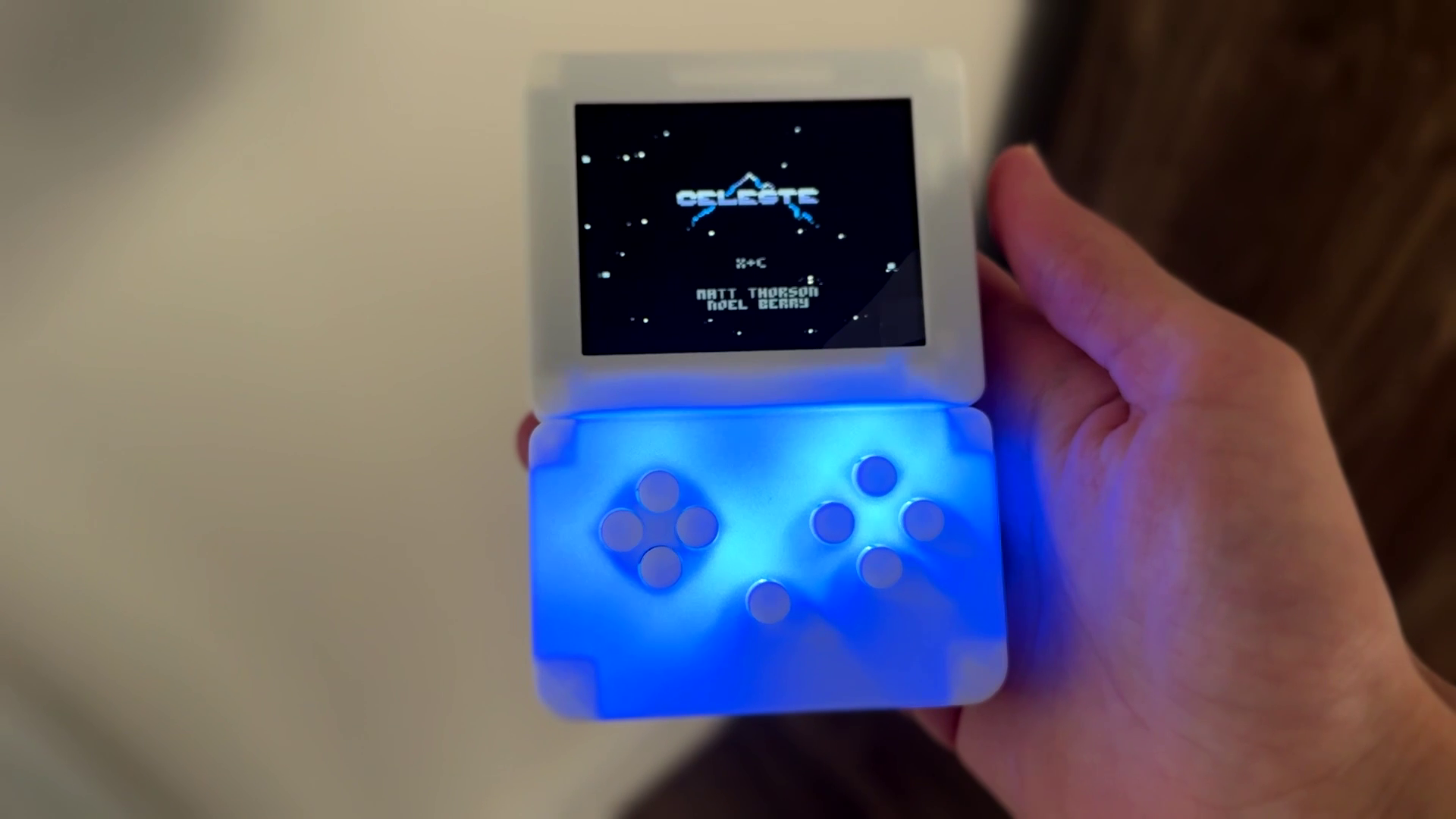
Port of Celeste from PICO-8. Speedrun one of the best platformers ever made on a device that fits in your pocket.
Download games and apps over Wi-Fi without a USB cable. Browse, click install, reboot. We're building a thriving indie community around it.
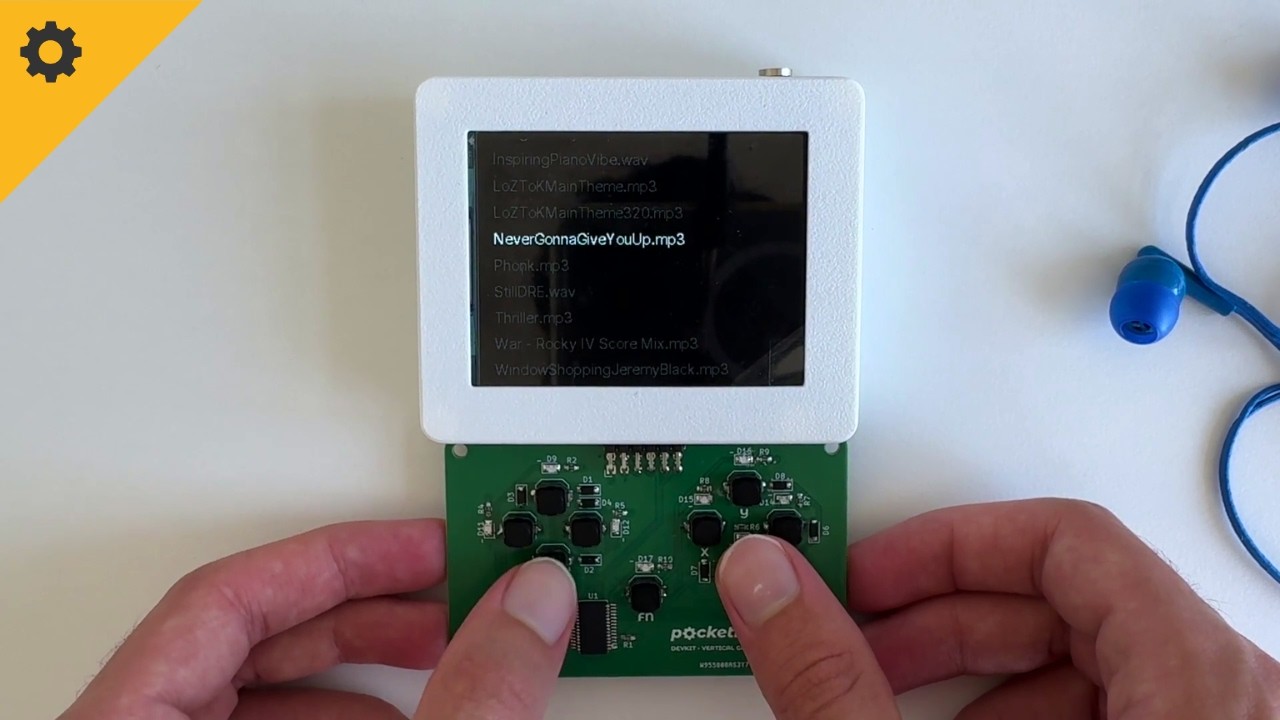
Plays MP3 and WAV from the SD card with cover art. Listen through the built-in speaker or plug in headphones for private listening.
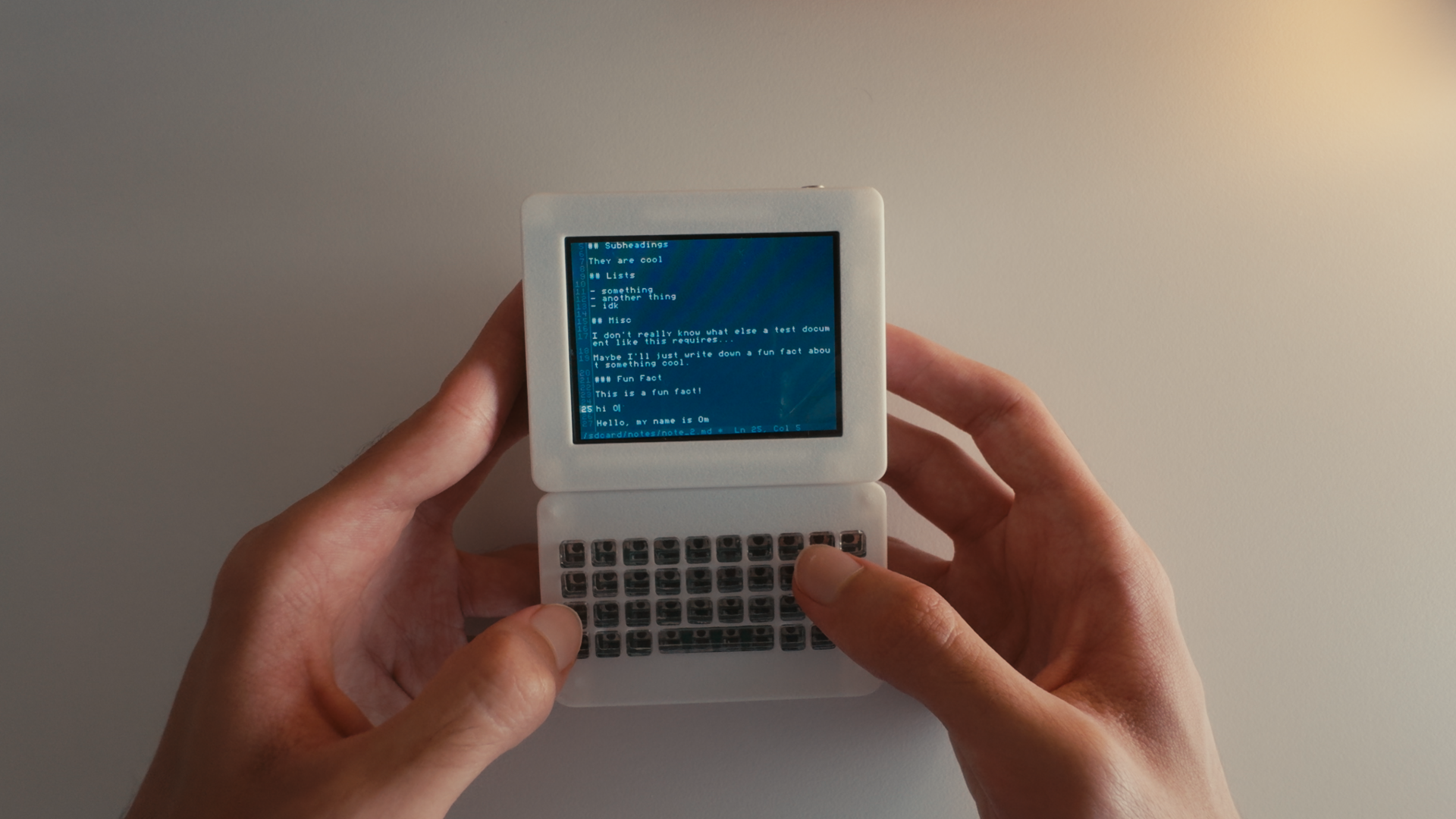
Notes stored on the SD card. Syncs with Notion, Obsidian, or any REST API over Wi-Fi. Turns the device into a focused writerdeck.
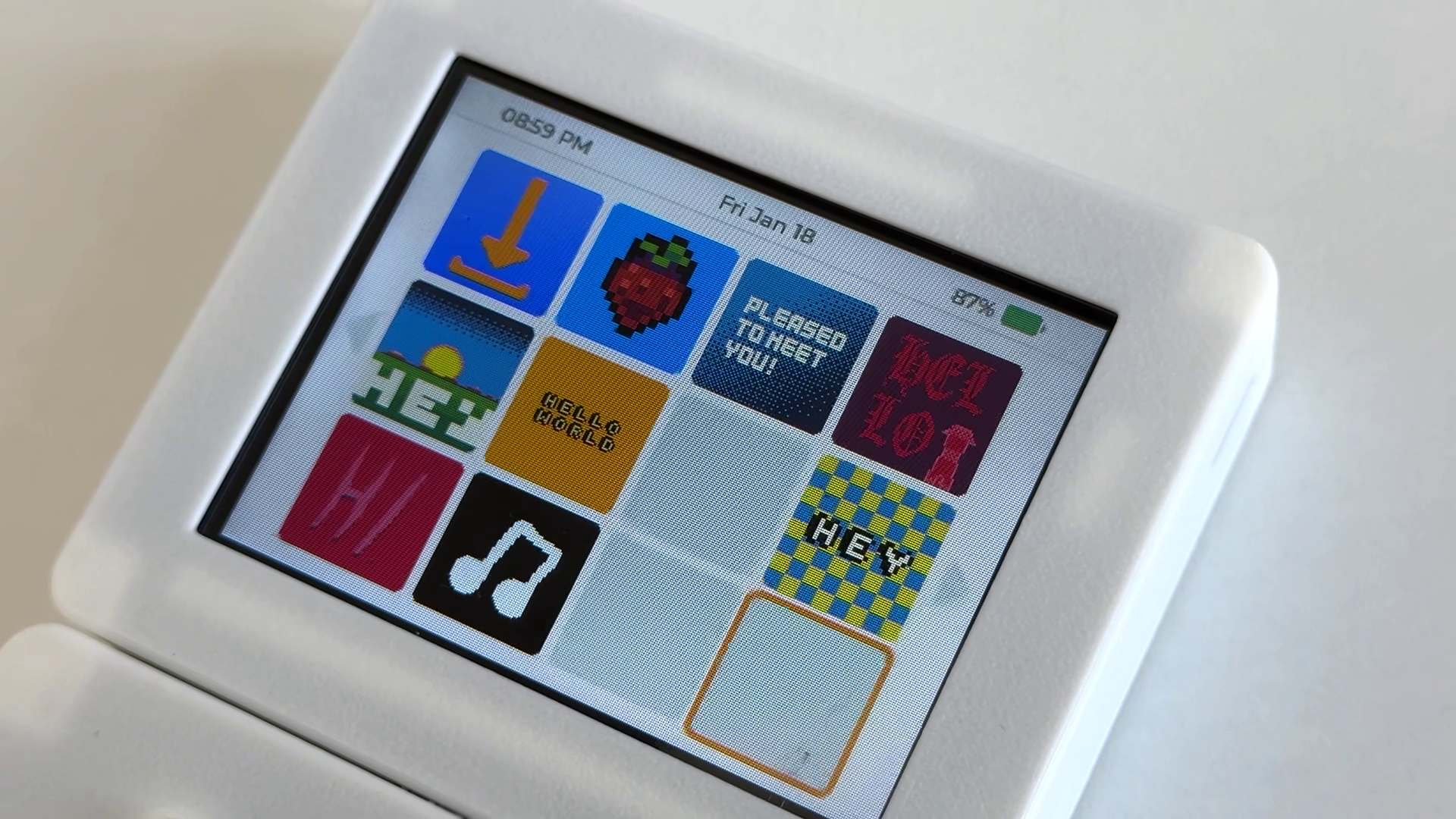
Grid-based app launcher inspired by the Wii and 3DS. Battery percentage, time, and all your apps in one place.
It's a bird, it's a plane, it's a DAP!
The music player app allows you to play MP3 and WAV audio files. Plug in your headphones or listen from the speaker. Enjoy your music without distractions or subscriptions.
Your files, your folders
Drop MP3 or WAV audio files onto the SD card.
Cover art!
Embedded artwork displayed with track, author, and other metadata.
Simple controls
All with physical buttons you can use without looking.
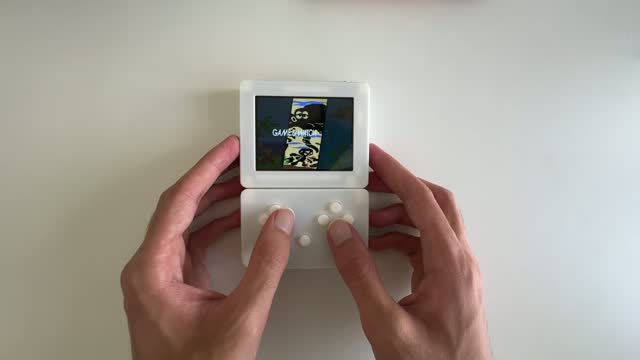
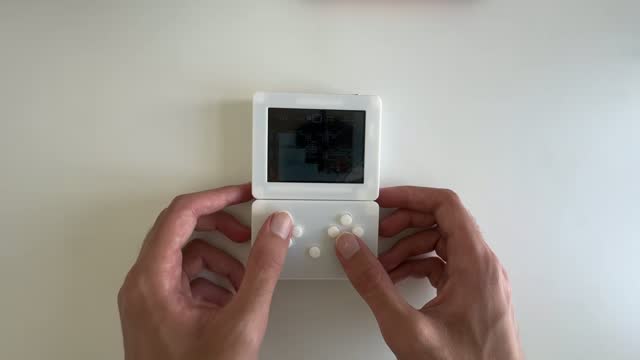
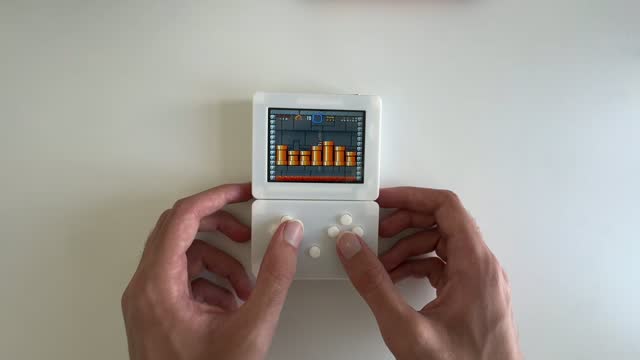
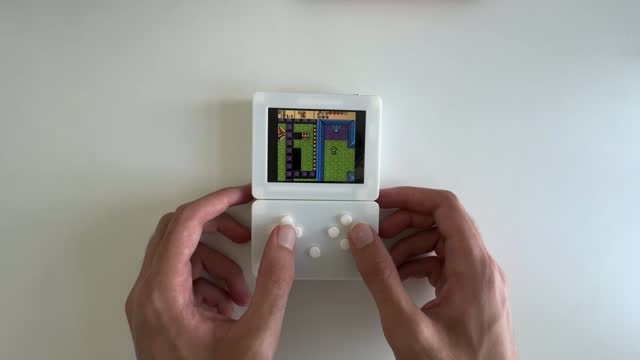
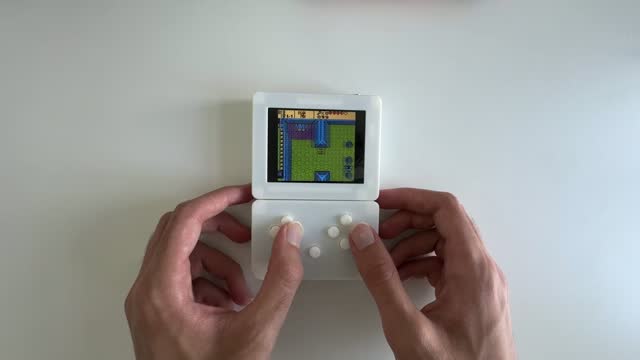
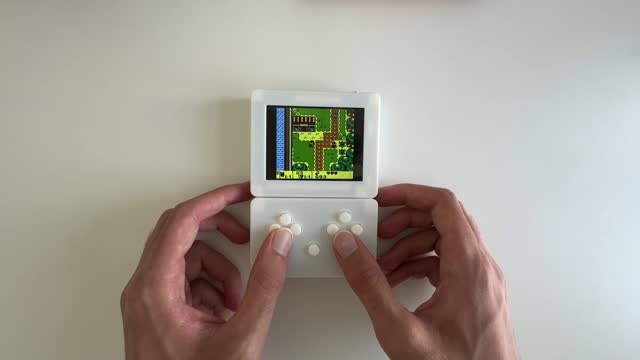
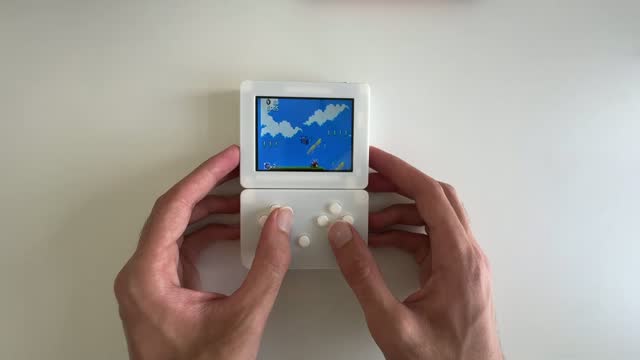
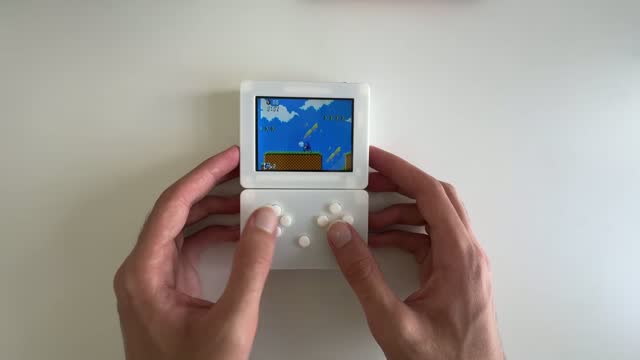
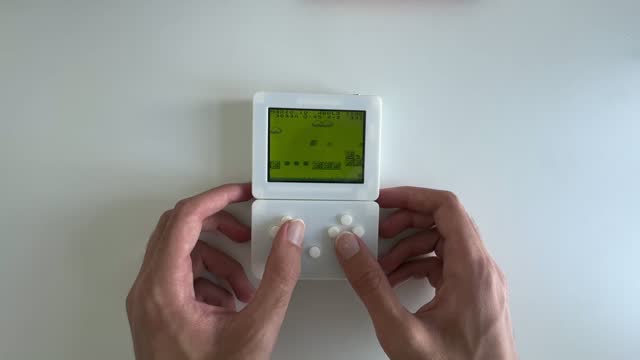
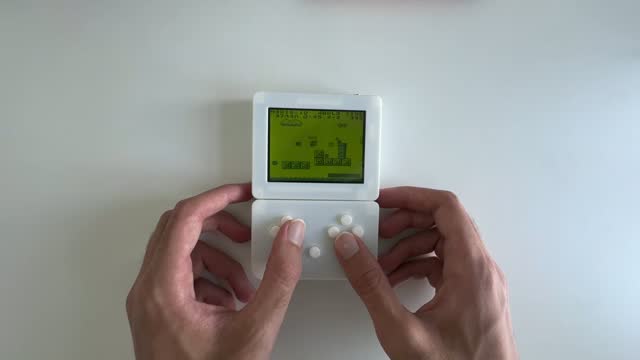
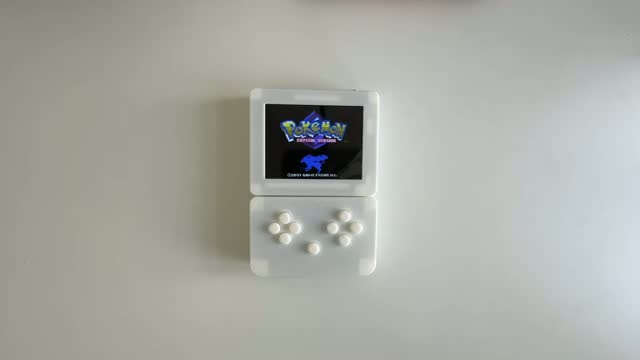
Yes, it plays games too.
Like, a lot of games. You can play classics like the NES, Game Boy Color, SNES, Sega Genesis, DOOM, Quake, and Celeste. Plus there is a vast library of indie games made by the community, specifically for Pocketbyte!










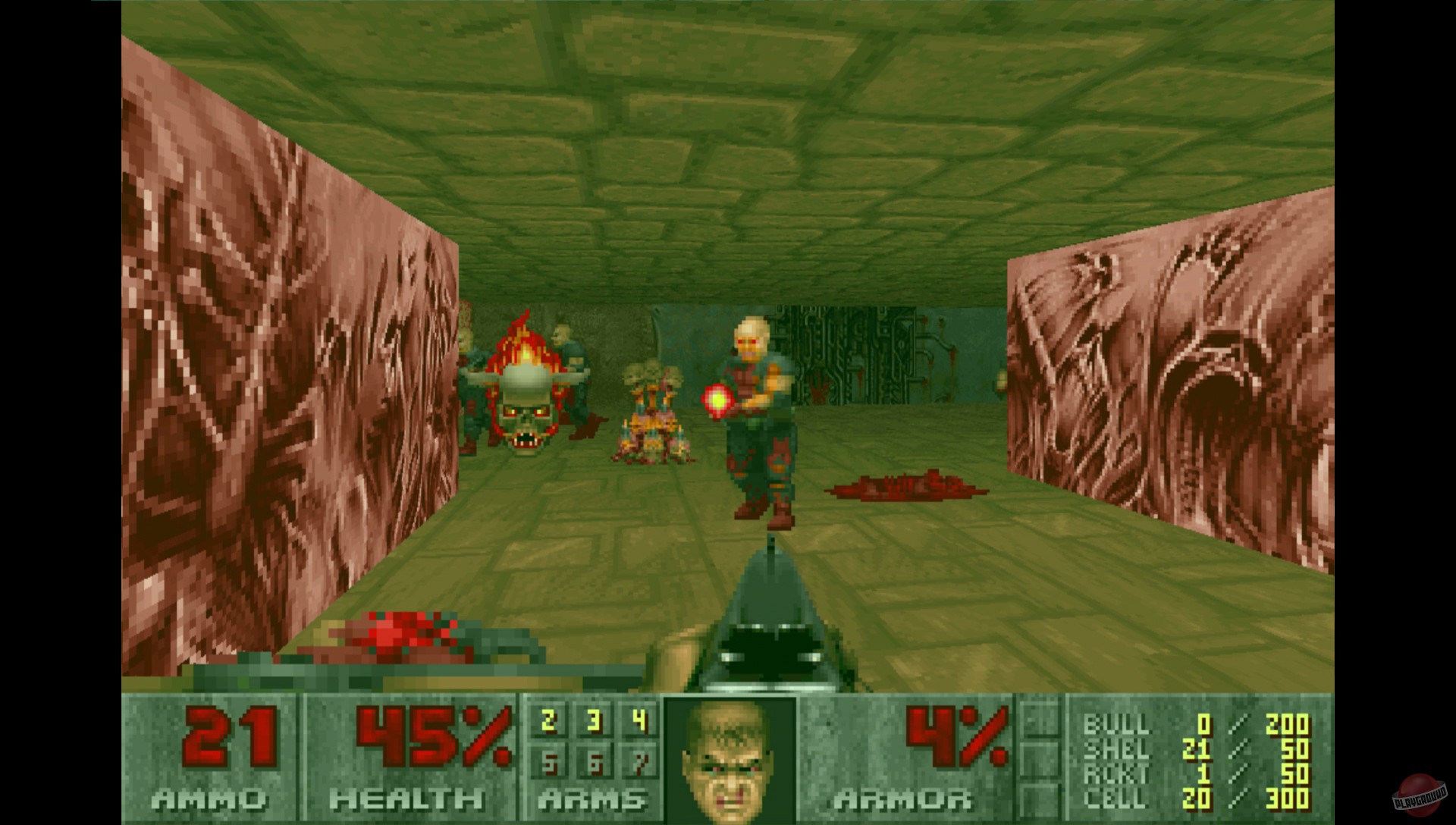
DOOM
Native port
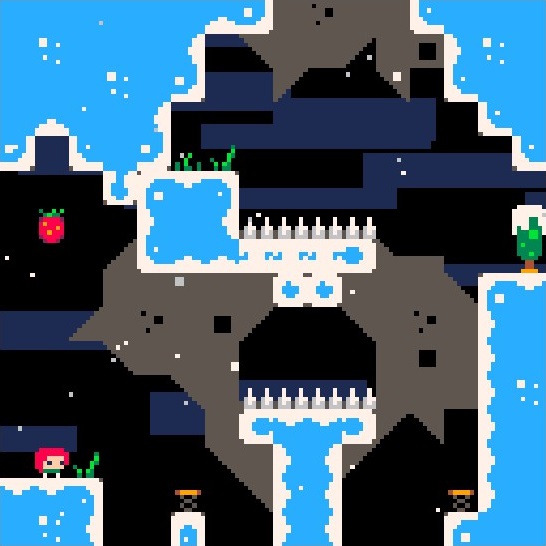
Celeste
PICO-8 port
Homebrew lives here.
Anybody can make their own games with the SDK and share them with the community and on the App Store.
Your home on Pocketbyte.
The Launcher is like a fast, minimalist operating system. This is where you'll find your entire library of apps.
Launch apps from the SD card
Drop Pocketbyte apps onto the SD card and they show up in the Launcher. Pick one and enjoy!
Minimalist and instant
It follows the UNIX principle of doing one thing well. No clutter or bloat.
It's your home
Battery, time, and all your apps in one place. Whenever you're done, head back home.
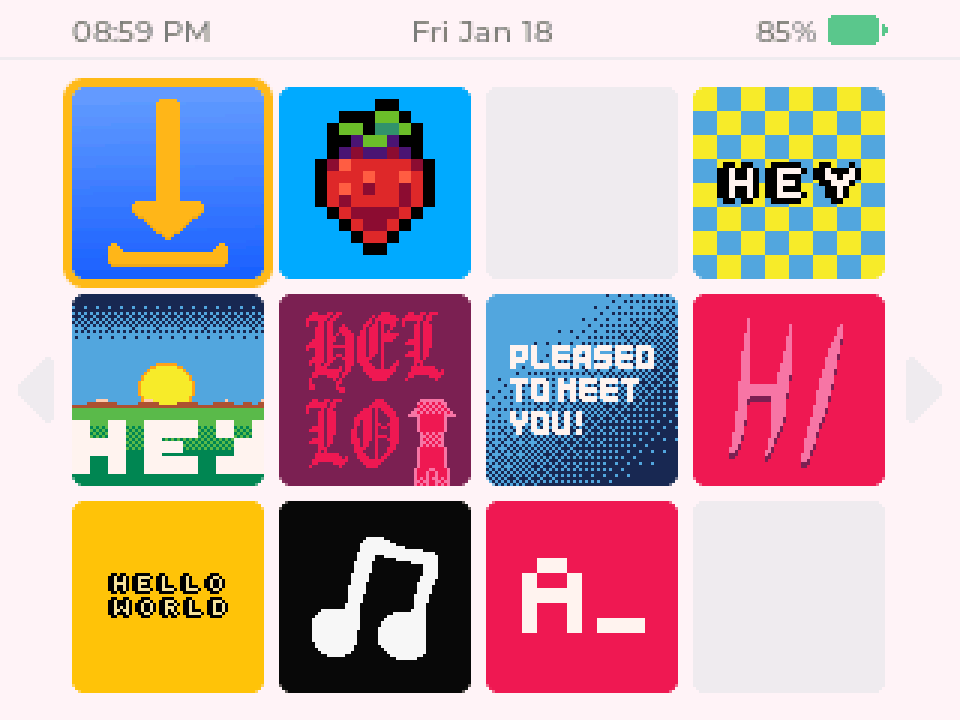
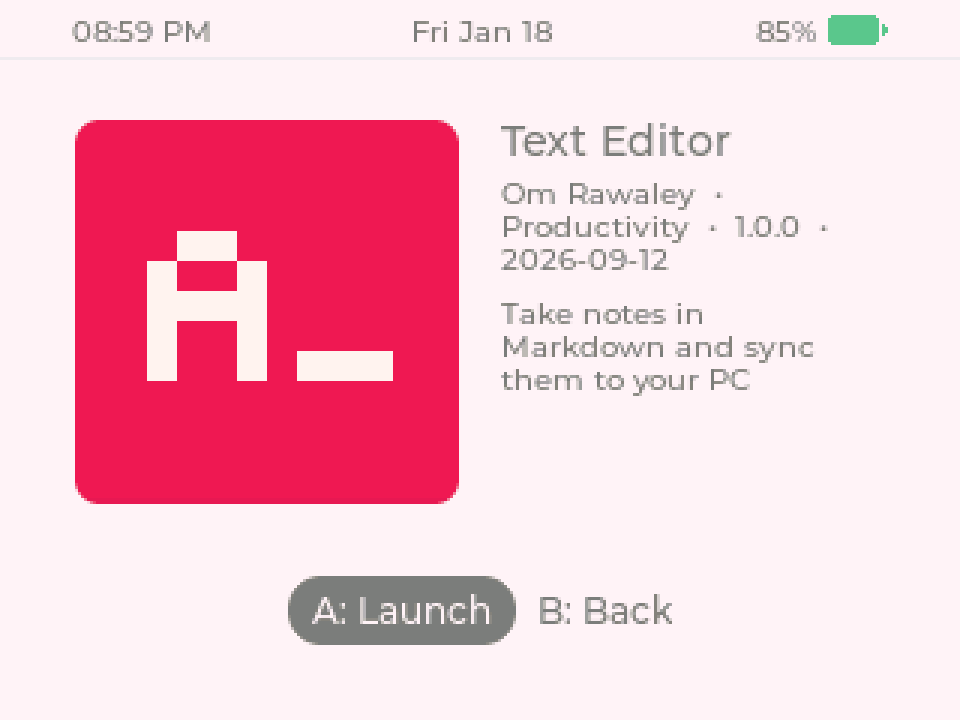
Captured on the Pocketbyte Simulator
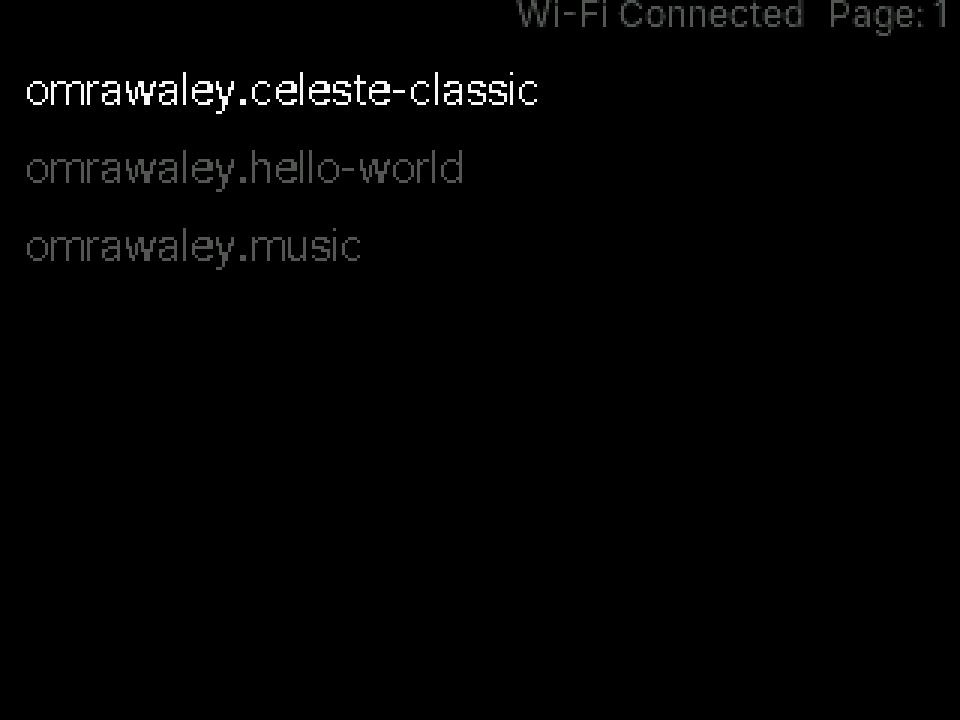
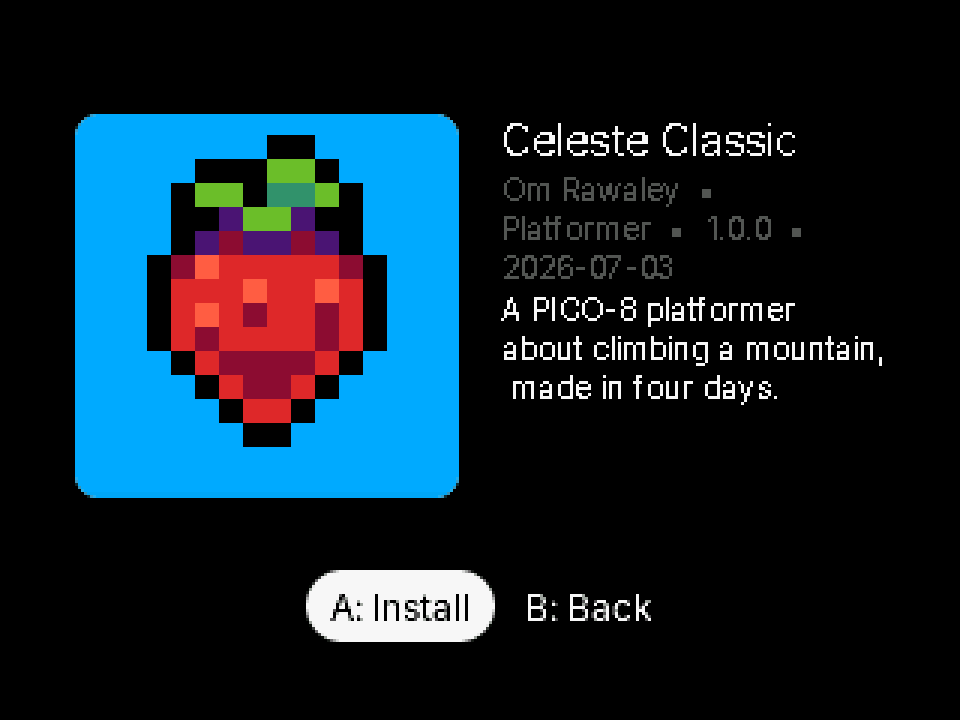
Captured on the Pocketbyte Simulator
Download New Apps via Wi-Fi. No cable.
The App Store lets you download community games, apps, and utilities straight to your Pocketbyte over Wi-Fi — without needing a cable.
Download over Wi-Fi
Browse community games, apps, and programs on-device. Pick one, hit install, and reboot. No cable needed!
Made by the community
Games, apps, utilities, and more, built by indie developers using the Pocketbyte SDK.
Publish free, forever
Any developer can publish to the App Store by opening a GitHub PR. No license or fee. (I'm looking at you, Apple...)
Built to be hacked.
This is a device you actually own. And we encourage you to customize it however you like!
Snap on
a new idea.
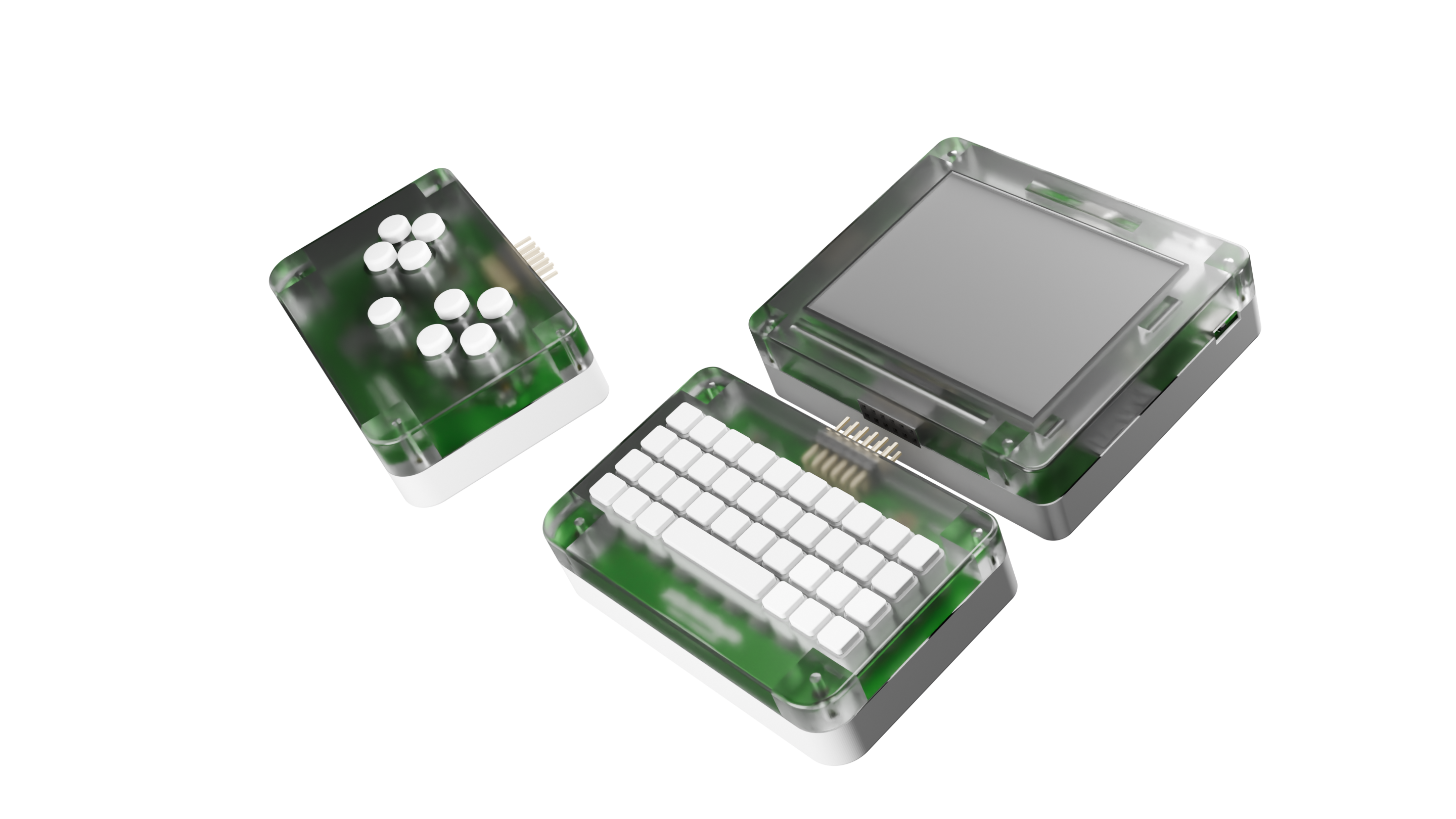
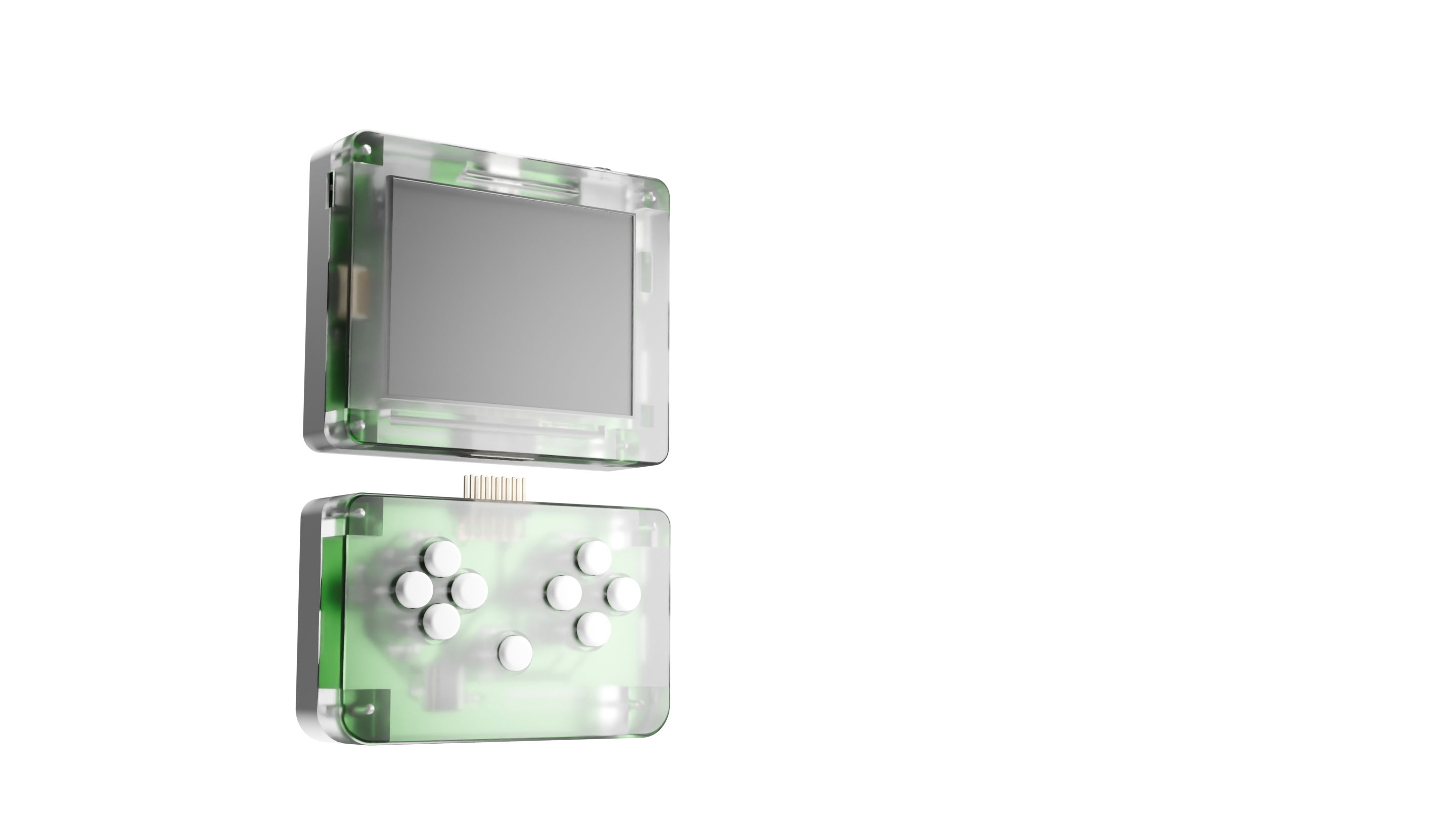
The bottom half detaches so you can swap controls in seconds. Switch between a Gamepad, a Blackberry-style Keyboard, or a module no one has imagined yet. One connector. Lots of strange, useful possibilities.
Pull gently and the module releases. No tools needed.
Magnets guide the new module into place. Pins handle data and power.
Enjoy your new input scheme!
Build whatever
you want.
The C/C++ library, firmware, and app store are all open source on GitHub. The expansion port specs are published too — so you can write games, make tools, or design your own modules.
SDK & C/C++ Library
Write games, tools, and apps in C or C++ with ESP-IDF and FreeRTOS. Flash over USB and it’s running on the device seconds later. Full source on GitHub.
App Store
Share what you build over Wi-Fi. No fees, no approval queue — just upload and let the community play it.
Community
Hobbyists share tools, templates, and source code on Discord. See what everyone’s building and show off your own.
SimulateBuild on your Computer.
Run on Pocketbyte.The SDL2 simulator lets you write, flash, and run Pocketbyte software on your computer without needing a DevKit.
 POCKETBYTE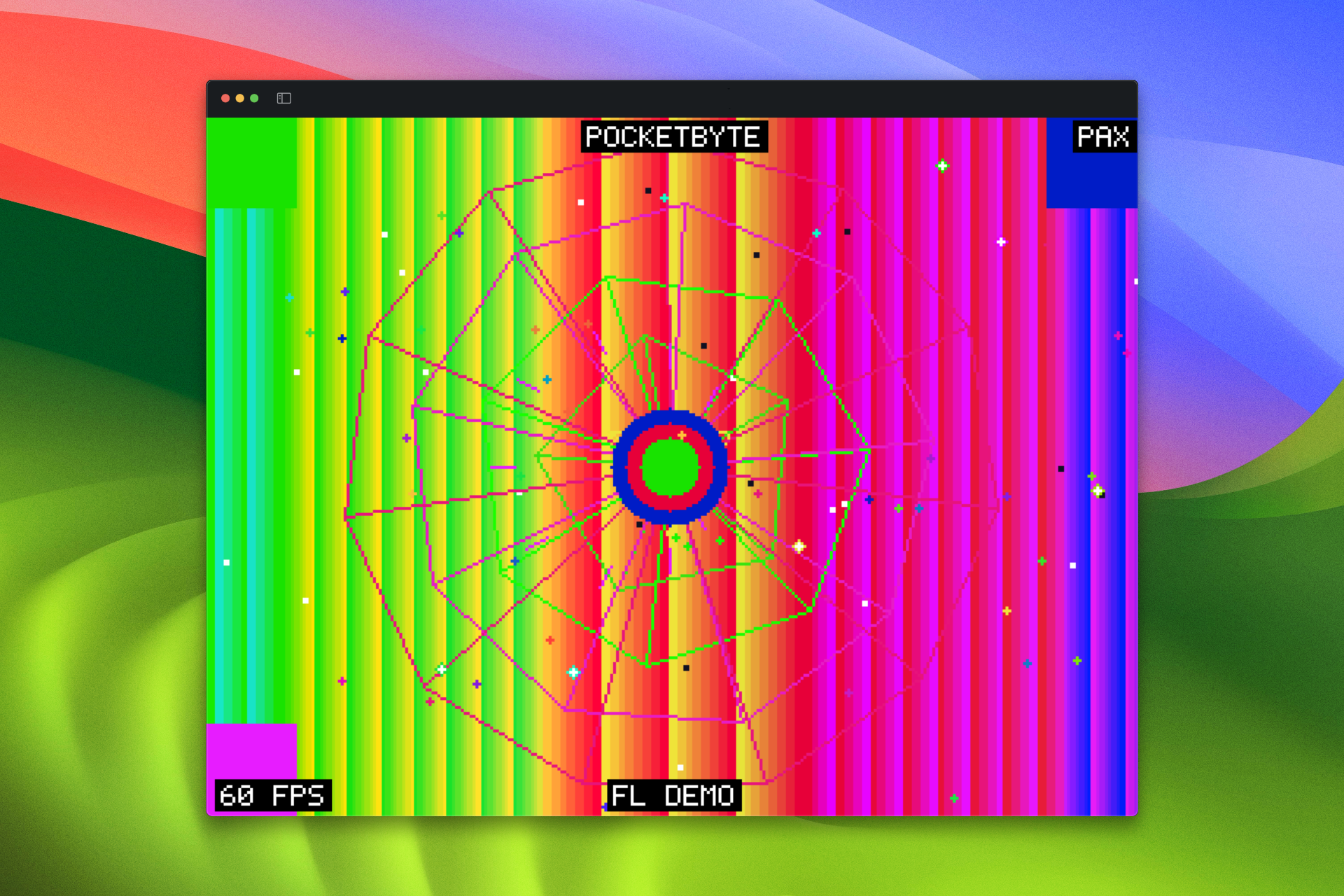
Write code in C
Use the same ESP-IDF-based SDK you’d use on a real device. The simulator translates API calls to run on desktop, so your code runs almost exactly as it would on Pocketbyte.
Flash & debug instantly
Hit run and your program launches in the simulator. No wait times, no flashing cables — test everything before you even have the device.
Ship to a real device
When you’re ready, flash the same binary to your Pocketbyte over USB. The same code that ran in the simulator runs on hardware — no changes needed.
Small machine.
Serious specs.
Every component was hand-picked for the best balance of performance, battery life, and premium feel.
Display
320×240px, sunlight-readable, amazing viewing angles, premium feel
Processor
Dual-core Xtensa LX7 32-bit CPU @ 240MHz
Memory
Don't worry, RAM prices won't affect Pocketbyte :)
Storage
Supports up to 32GB for games, saves, and user data
Battery
Hours of gameplay + USB-C charging
Controls
Infinite custom controllers via the modular extension port
Audio
Crisp audio for any game or song. Yes it has a headphone jack :)
Connectivity
Wi-Fi for data transfer and Bluetooth LE for multiplayer & accessories
SDK
Full docs and utilities included — use the tools you like best
Latest Videos
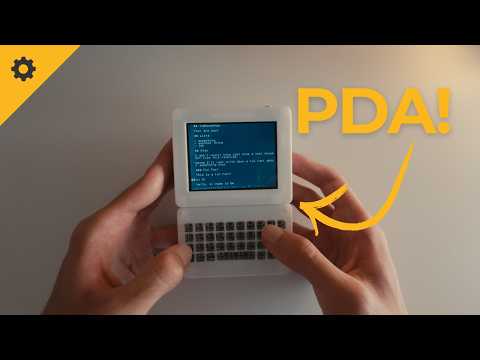
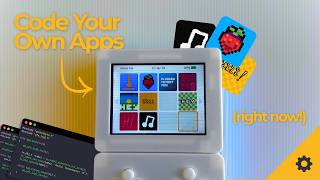
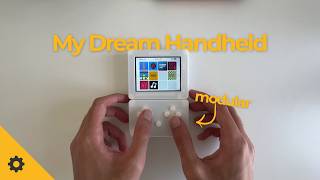
Build diaries, game ports, and deep dives into pocket-sized engineering.
Join the community
Come hang out with makers, gamers, and anyone who likes pocket-sized tech.
Start with Discord
Om
16 y/o maker from Canada
- Solo developer
- Toronto, Canada
- 6+ years of tinkering
- Open source everything
I wanted a hackable, portable device for playing and making games, so I built one.
I'm from Toronto, and I've been messing around with electronics for over six years. Back in 2023, that itch became a small game console concept called the FlamingoBoy, which later became a fully-fledged PDA. Unfortunately, it remained a side project that never quite grew up.
In December 2024, I realized I wasn't the only one who wanted a minimalistic, developer-friendly device like this, so I created Pocketbyte! Not just for myself, but for every hobbyist, tech enthusiast, and retro game enjoyer out there.
I hope you'll find the same joy from Pocketbyte as it gave me.
Common questions.
What is Pocketbyte?
Pocketbyte is an open source pocket computer. Think of it like a modern PDA: it plays games, runs apps like notes and music, and you can write your own software for it. It's modular too, so you can swap controllers and add new hardware modules.
What can I do with Pocketbyte?
Play games (indie titles and retro emulation), take notes, listen to music, run community-built apps, or write your own using our C library. You can also design custom hardware modules that plug into the bottom port.
What's so special about the module system?
The module system allows you to completely change what Pocketbyte can do. Gaming controls? No problem. Keyboard for note taking? You can connect that too. Pocketbyte is the first handheld in the entire world to ever feature a system like this.
Do I need to know how to code to use it?
Not at all. You can use Pocketbyte out of the box. If you decide you want to make your own games, you can follow our beginner-friendly tutorials and join our active Discord community to get started.
What kind of games can it run?
Pocketbyte is designed for 2D and even some 3D games. Think arcade shooters, RPGs, platformers, rhythm games, and cozy farming sims. You can also run emulators to play thousands of retro games (DOOM, Game Boy, NES, Sega Genesis, etc.).
Is it really open source?
Our C library is open-sourced under the Apache 2.0 license and is freely available on both GitHub and the Espressif Component Registry. At this time, hardware files are not available.
I am an educator. Why should I use Pocketbyte with my students?
Pocketbyte is an excellent educational tool for teaching game development, electronics, and programming. The open-source nature allows students to learn at every level, from code to hardware.
How do I load games onto the device?
You can download games in the PocketbyteOS App Store once you connect to Wi-Fi. You can also load games onto your microSD card if that's your style.
When will the DevKits be available?
Limited edition DevKits are launching soon for early adopters and developers. Join our Discord server to get notified about availability and early access pricing. Your opinion matters! Your feedback on the DevKits will shape the next revision of the product.
How much will DevKits cost?
There is no official price at the moment, but they will likely be in the $70-$100 USD range.
Where can I get support?
Our Discord server and Subreddit is where you can get help and ask questions. We're active on both, but Discord is usually faster-paced whereas Reddit is more long-form. Feel free to join our Subreddit instead or shoot us an email at contact@pocketbyte.co